Table of Contents
- Introduction
- What Is a Typeface?
- What Is a Font?
- Key Differences: Typeface vs Font
- Why the Distinction Still Matters in Design
- Examples of Typefaces and Fonts (Using Edric Studio Products)
- How to Choose the Right Typeface for Your Project
- Best Practices for Using Typefaces & Fonts in Design Software
- Final Thoughts
- References
1. Introduction Typeface vs Font Definition
Typeface vs Font Definition is the backbone of visual communication. Whether you design logos, posters, websites, or product packaging, understanding the difference between typeface and font is essential. Although the terms are often used interchangeably in everyday conversation, they have distinct meanings—especially in professional design.
In this comprehensive guide, we will break down the typeface vs font definition, how they differ, why it matters today, and provide real examples using premium typefaces from Edric Studio to support your creative projects.
2. What Is a Typeface vs Font Definition?
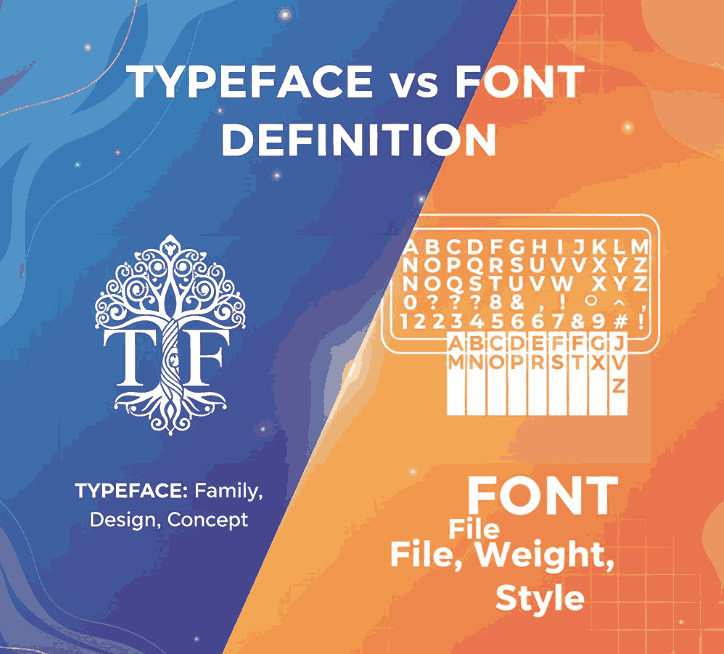
A typeface refers to the design or artistic style of a set of characters. Think of it as the “family name” of a group of letters, numbers, punctuation, and symbols that share a consistent visual appearance.
A typeface describes the visual design concept.
Examples of common typefaces include:
- Helvetica
- Times New Roman
- Garamond
- Futura
- Arial
A typeface exists at the conceptual level—it’s the overall look, personality, and structure of the letterforms.
3. What Is a Typeface vs Font Definition?
A font refers to a specific style, weight, and size of a typeface. In traditional typography, a font was a physical set of metal characters used in printing. Today, a font is a digital file (e.g., .OTF or .TTF) that you install on your computer.
A font is the actual file you use.
For example:
- Helvetica Bold 14pt
- Helvetica Regular 12pt
- Helvetica Italic 10pt
All of these are fonts, but they belong to the same typeface: Helvetica.
4. Key Differences: Typeface vs Font Definition
| Aspect | Typeface | Font |
|---|---|---|
| Definition | The design style or family | A specific variation (weight, size, style) |
| Example | “Roboto” | “Roboto Bold Italic” |
| Purpose | Represents the artistic concept | Represents the usable digital file |
| Scope | Broad (family) | Specific (member of the family) |
| Designer Usage | Creative choice | Technical resource |
Simple analogy:
- Typeface = Song
- Font = MP3 file of the song
5. Why the Distinction Still Matters in Typeface vs Font Definition Design
Even though software tools have blurred the line between fonts and typefaces, understanding the difference is still valuable for:
✔ Professional communication
Designers, typographers, and print specialists rely on precise terminology.
✔ Brand consistency Typeface vs Font Definition
Choosing the right typeface ensures consistent tone across all materials.
✔ Licensing clarity Typeface vs Font Definition
Licenses apply to fonts, not typefaces. Using unlicensed fonts can risk legal issues.
✔ Better workflow in tools like Photoshop, Illustrator, Figma
Managing fonts properly ensures fewer missing file errors and consistent rendering.
6. Examples of Typeface vs Font Definition (Using Edric Studio Products)
Below are real examples from Edric Studio that can be used to illustrate typefaces vs fonts in your article.
1. Roundfra – Modern Sans Serif Typeface
Roundfra is an elegant modern sans serif typeface with rounded designs suitable for branding, UI, and professional presentations.
A single download contains multiple fonts, such as:
- Roundfra Regular
- Roundfra Bold
- Roundfra Italic
These are individual font files within the Roundfra typeface family.
2. Ayam Geprek – Playful Display Typeface
Ayam Geprek is a fun, quirky display typeface perfect for packaging, restaurant branding, and creative headlines.
Within the download, you get one or more font files representing the style of this display typeface.
3. Kemayoran – Retro Vintage Typeface
Kemayoran is a retro-inspired display typeface that adds character to posters, labels, and vintage-style branding.
The typeface has a unique personality, while the downloadable fonts are the actual files used in your design software.
These examples help clarify the distinction:
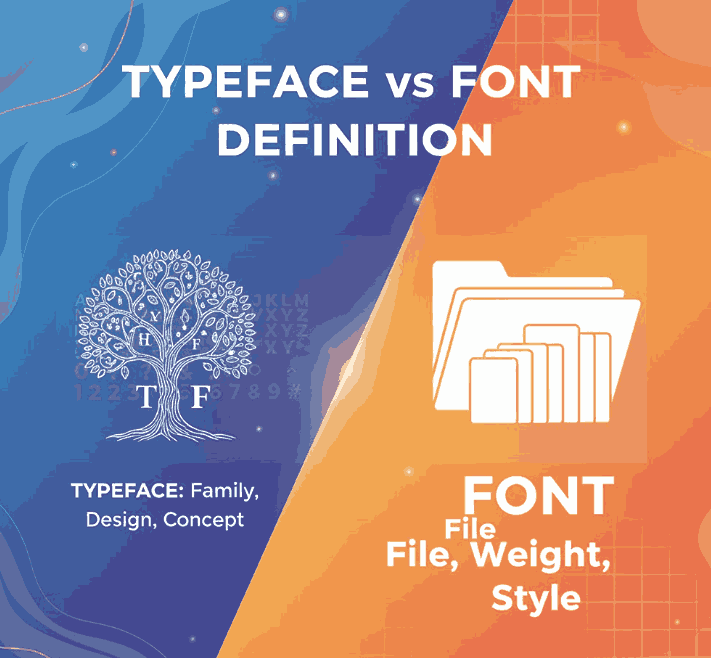
A typeface is the artistic family; fonts are the digital files used in design.
7. How to Choose the Right Typeface vs Font Definition for Your Project
✔ Consider the brand personality
- Modern → Sans serif (e.g., Roundfra)
- Playful → Display typefaces (e.g., Ayam Geprek)
- Retro → Vintage typefaces (e.g., Kemayoran)
✔ Prioritize readability
Especially for body text or long-form content.
✔ Match typefaces with context
A logo requires a different mood than product packaging or editorial layouts.
✔ Limit your pairings
Use 1–2 typefaces and several font variations to maintain consistency.
✔ Choose professionally designed, licensed fonts
Premium fonts from Edric Studio ensure high-quality curves, spacing, and OpenType features.
8. Best Practices for Using Typeface vs Font Definition Software
✔ Install the correct Typeface vs Font Definition formats
Use OTF/TTF files for compatibility with Photoshop, Illustrator, and Figma.
✔ Restart software after installation
This ensures fonts load correctly in your system.
✔ Use styles consistently Typeface vs Font Definition
Avoid mixing unrelated typefaces without a conceptual reason.
✔ Check OpenType features Typeface vs Font Definition
Many Edric Studio fonts include alternates, ligatures, and extended glyphs.
✔ Verify licensing Typeface vs Font Definition
Especially for commercial use, packaging, or client projects.
9. Final Thoughts Typeface vs Font Definition
Understanding the distinctions between typeface vs font helps designers communicate professionally, choose better typography, and create more effective visual designs. While the digital era has blurred the boundaries, the concepts remain essential for maintaining brand consistency, technical accuracy, and aesthetic harmony.
If you’re looking for high-quality typefaces that are easy to use, beautifully crafted, and fully compatible with modern design tools.
