Table of Contents
- Introduction: The Rise of Collaboration Design Software
- What Is Collaboration Design Software?
- Why Collaboration Matters in Modern Design Workflows
- Key Features of Effective Collaboration Design Software
- Common Challenges in Collaborative Design Projects
- How Typography Supports Collaborative Design
- Font Choices for UI and Collaboration-Focused Designs
- Using Edric Studio Fonts for Design Software Mockups
- Conclusion
- References
1. Introduction: The Rise of Collaboration Design Software
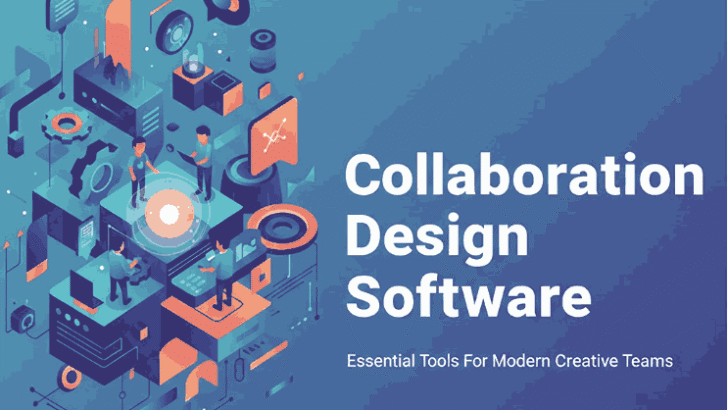
Design is no longer a solitary process. Today, creative professionals work in distributed teams that include designers, developers, product managers, marketers, and clients. This shift has made collaboration design software an essential part of modern creative workflows.
Collaboration design software enables teams to work together in real time, share feedback efficiently, and maintain design consistency across projects. From UI and UX design to branding and digital products, these tools help creatives deliver better results faster.
2. What Is Collaboration Design Software?
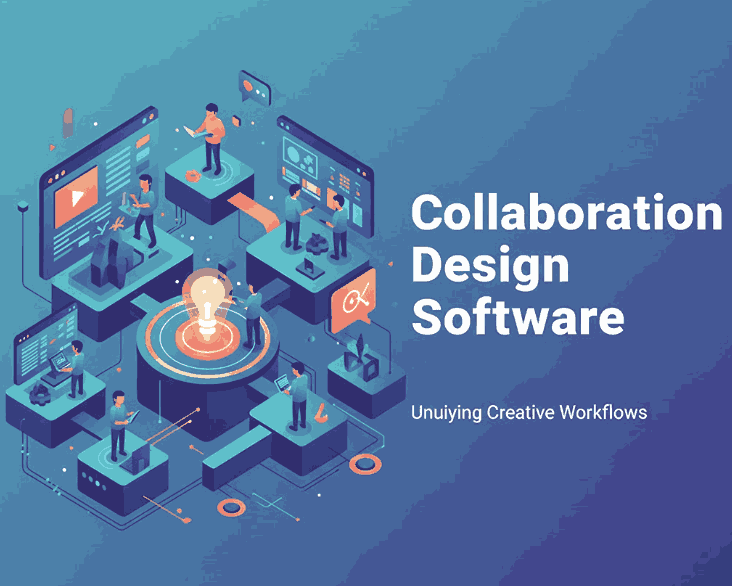
Collaboration design software refers to digital tools that allow multiple users to design, edit, comment, and review visual work simultaneously. These platforms support shared workspaces, version control, and real-time communication.
Unlike traditional design software that focused only on individual creation, collaboration tools prioritize:
- Team communication
- Transparency in design decisions
- Faster iteration cycles
- Consistency across design systems
This approach makes collaboration design software a critical asset for creative teams of all sizes.
3. Why Matters in Modern Collaboration Design Software Workflows
Effective collaboration leads to better design outcomes. When designers can easily share ideas, receive feedback, and iterate quickly, the quality of the final product improves significantly.
Key benefits of collaboration design software include:
- Reduced miscommunication between teams
- Faster approval and revision processes
- Improved alignment between design and development
- Better documentation of design decisions
For agencies and remote teams, collaboration tools are no longer optional — they are essential for staying competitive.
4. Key Features of Effective Collaboration Design Software
Not all collaboration tools are created equal. The best collaboration design software typically includes the following features:
Real-Time Editing
Multiple team members can work on the same design simultaneously, reducing delays and duplicated work.
Commenting and Feedback
Inline comments allow stakeholders to leave clear, contextual feedback directly on the design.
Version Control
Designers can track changes, compare versions, and revert to earlier iterations if needed.
Shared Design Systems
Consistent typography, colors, and components help maintain brand identity across projects.
Cross-Platform Accessibility
Web-based access ensures teams can collaborate from anywhere without compatibility issues.
5. Common Challenges in Collaboration Design Software Projects
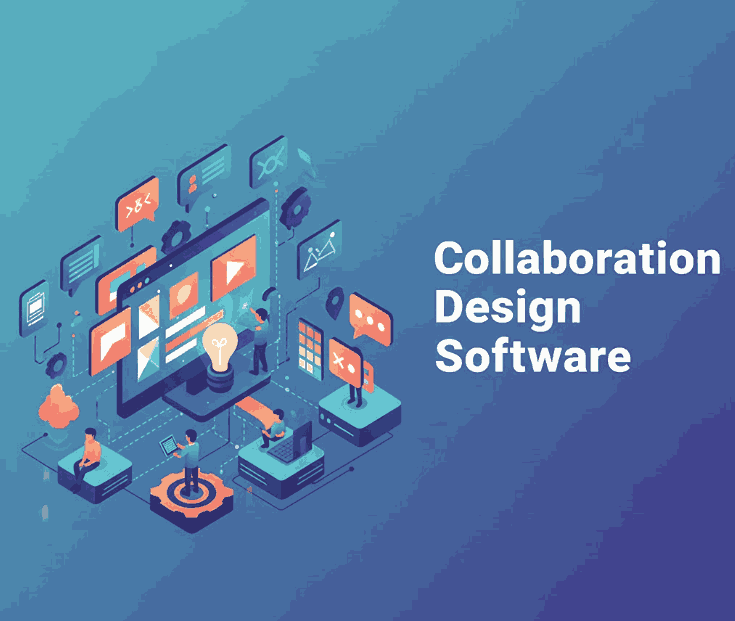
Despite its advantages, collaboration also introduces challenges if not managed properly. Some common issues include:
- Inconsistent design styles
- Poor typography choices across screens
- Overuse of decorative elements
- Lack of clear hierarchy in UI layouts
These challenges highlight the importance of strong design fundamentals — especially typography — within collaborative environments.
6. How Typography Supports Collaboration Design Software
Typography plays a critical role in collaboration design software. Clear, consistent type improves readability, usability, and communication among team members.
Good typography helps:
- Establish visual hierarchy in UI layouts
- Improve accessibility and legibility
- Create consistency across shared components
- Make interfaces easier to understand for non-designers
When typography is poorly handled, collaboration becomes less efficient because designs are harder to interpret and evaluate.
7. Font Choices for UI and Collaboration Design Software-Focused
Fonts used in design software mockups should balance clarity and personality. Sans serif fonts are often preferred for interfaces due to their readability, while display or decorative fonts can be used sparingly for emphasis.
In collaborative projects, font selection should:
- Support multiple screen sizes
- Remain legible at small sizes
- Fit within a scalable design system
- Reflect the product’s personality without distracting users
8. Using Edric Studio Fonts for Collaboration Design Software Mockups
At Edric Studio, we design fonts that help creative teams build visually consistent and professional design systems. The following fonts are ideal for mockups and visual examples related to collaboration design software:
Blacked Font
A bold display font perfect for UI headings, section titles, or feature highlights in design software mockups.
Bubble Effect Font
A playful decorative font suitable for badges, labels, or feature callouts when demonstrating creative interface elements.
Aghnesta Font Trio
A versatile font family designed for hierarchy and pairing, making it ideal for dashboards, UI components, and collaborative layouts.
Syllia Calligraphy Font
An elegant calligraphy font that works well for quotes, onboarding screens, or inspirational messages within collaborative design concepts.
Using professional fonts in collaboration design software mockups helps teams visualize final products more clearly and communicate ideas more effectively.
9. Conclusion
Collaboration design software has transformed how creative teams work together. By enabling real-time communication, shared design systems, and efficient feedback, these tools help designers create better products faster.
However, strong collaboration also depends on solid design fundamentals — especially typography. Choosing the right fonts and applying them consistently across collaborative projects enhances clarity, usability, and professionalism.
By combining powerful collaboration tools with high-quality fonts from Edric Studio, creative teams can build cohesive, scalable, and visually compelling digital products.
10. References
- Creativize – 12 Best Design Collaboration Tools for Teams in 2025
- Just the Skills – Designer Tools and Skills Which You Should Learn
- Interaction Design Foundation – Design Collaboration and Teamwork
- ClickUp – 10 Best Graphic Design Collaboration Software & Tools in 2025
